
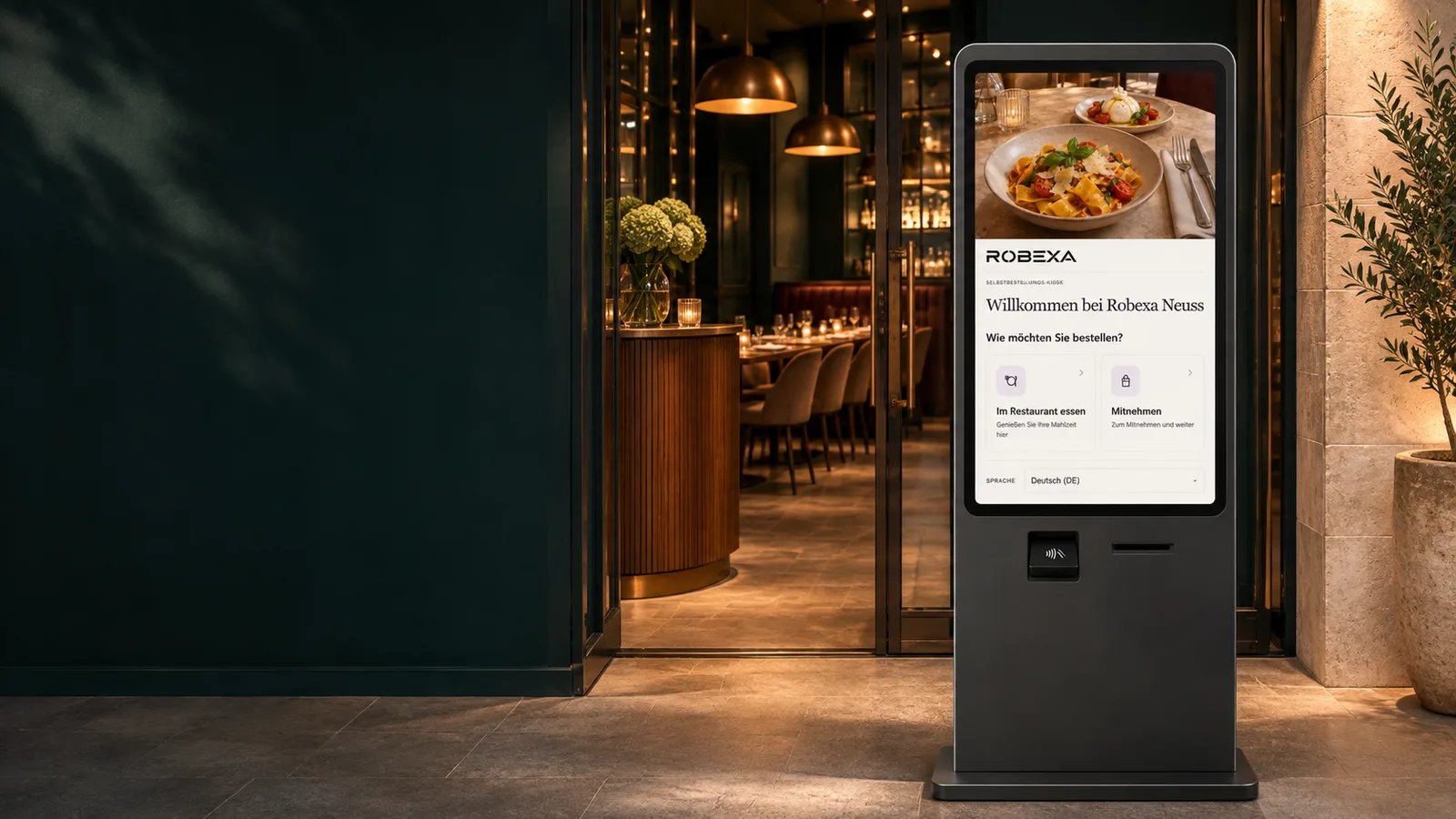
ROBEXA / TAILORED TO YOUR OPERATION
The Robexa self-ordering kiosk.From the screen to your kitchen.
Guests order at the kiosk for dine-in or takeaway. Every order goes straight to your Robexa workspace and kitchen display.
Individually configured. Introduced with your team. Technically supported by us.
From order to pickup
An easy order for guests. A clear queue for your team.
Choose
Guests select dine-in or takeaway, browse your menu and choose their extras.
Review and pay
Guests review their basket and follow the payment options configured for your location.
Prepare and hand over
The kitchen sees the order on its display. A pickup screen can show guests when their number is ready.
Built around your counter
One menu. A kiosk that fits your service.
The kiosk uses the menu and ordering settings for its location, so your team can manage changes in Robexa.
Restaurant & quick service
Give dine-in and takeaway guests a clear place to order when the counter gets busy.
Café, bakery & bistro
Let guests browse food and drinks at their own pace, with the options you choose to offer.
Multiple locations
Set up each kiosk for its own branch, with the appropriate menu, service options and kitchen workflow.