
Define what you offer
We review your menu, locations, ordering hours and the options you want to offer for pickup and delivery.
ROBEXA / TAILORED TO YOUR OPERATION
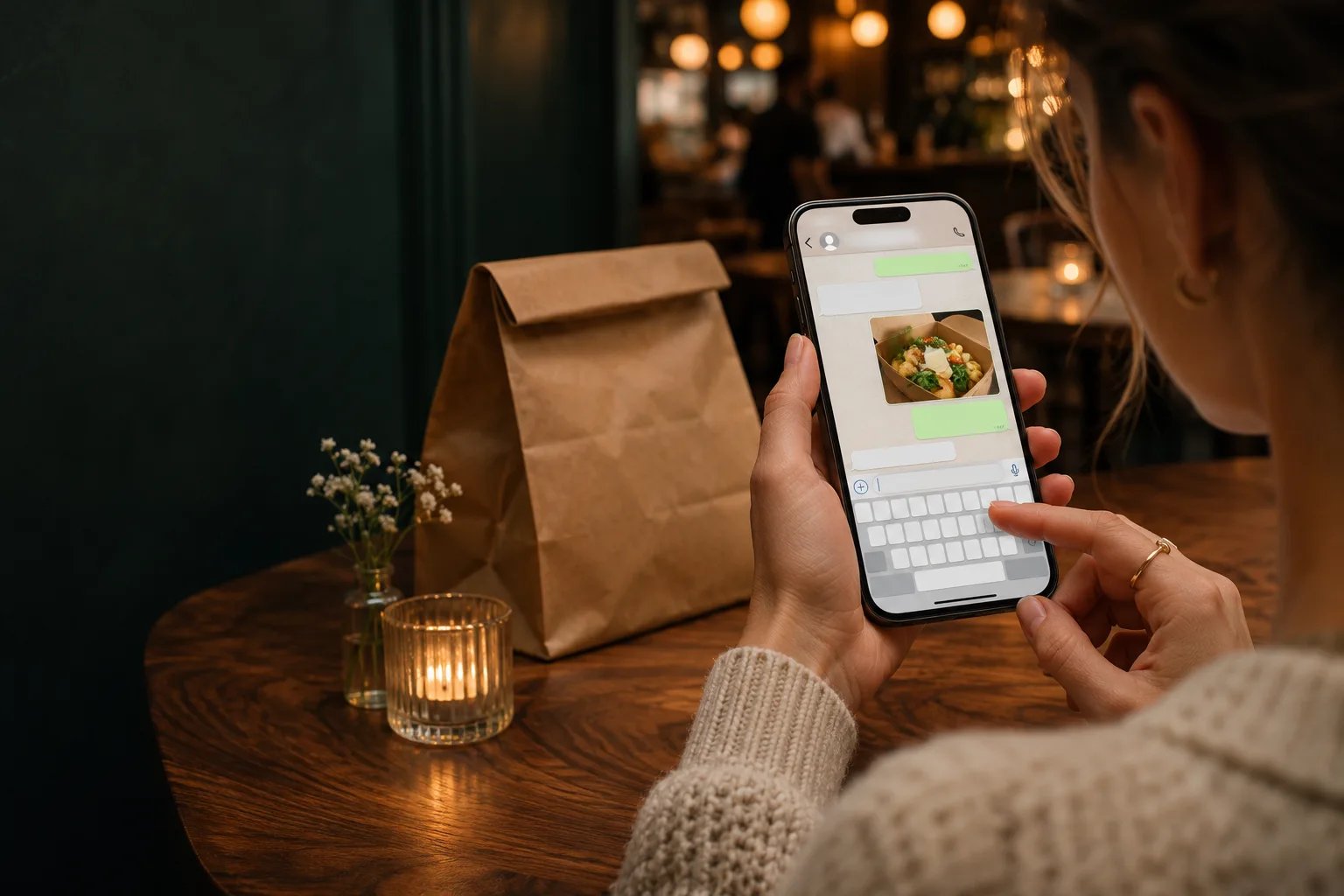
The WhatsApp bot replies automatically and guides guests through ordering. Once a guest confirms, the order goes straight into Robexa. Your staff can focus on preparation and service.
Individually configured. Introduced with your team. Technically supported by us.
How it works
Fully automated order intake. No extra staff needed.
Order intake runs automatically from the first message to order entry in Robexa. Staff don’t need to reply to routine ordering chats or enter orders manually.
Guests open your WhatsApp chat from a link on your website or by scanning a QR code.
The bot replies automatically and guides guests through dishes, extras and available pickup or delivery options.
Once the guest confirms, Robexa creates the order automatically. Your setup can also route it to a kitchen display or printer.
Example order conversation
Setup and support
Whether you run a restaurant, takeaway or café, we first look at how your team receives and handles orders. That’s what guides the WhatsApp setup.
We review your menu, locations, ordering hours and the options you want to offer for pickup and delivery.
We configure the ordering journey and agree with you how orders should reach Robexa and your kitchen.
We walk through the workflow with your team, support the launch and provide the agreed technical support.
The bot replies to ordering messages and guides guests through their choices. After the guest confirms, Robexa creates the order automatically. Staff handle preparation and handover.
Guests who already use WhatsApp can start from your ordering link or QR code.
Robexa can support pickup, delivery or both. We agree which options guests see when we configure your setup.
Orders that have been placed appear in Robexa’s order list. A kitchen display or printer can be connected as part of the agreed setup.
YOUR INDIVIDUAL PROPOSAL
We tailor Robexa to the requirements, structure and workflows of your business. We can therefore provide a firm quote only after reviewing your operation together and defining the scope of work.
First, we understand your operation. Then we define your solution and the right proposal.
Request a tailored proposal